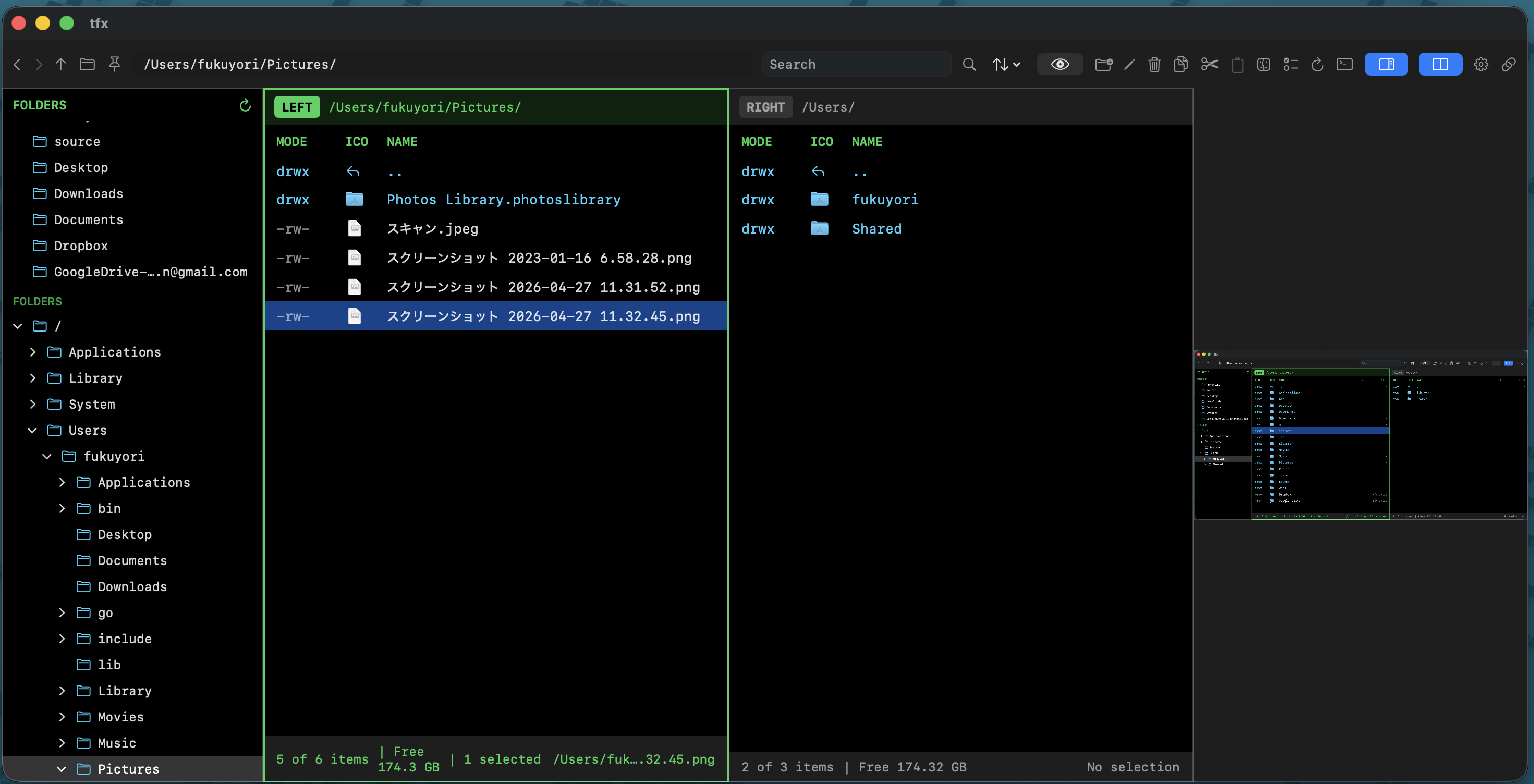
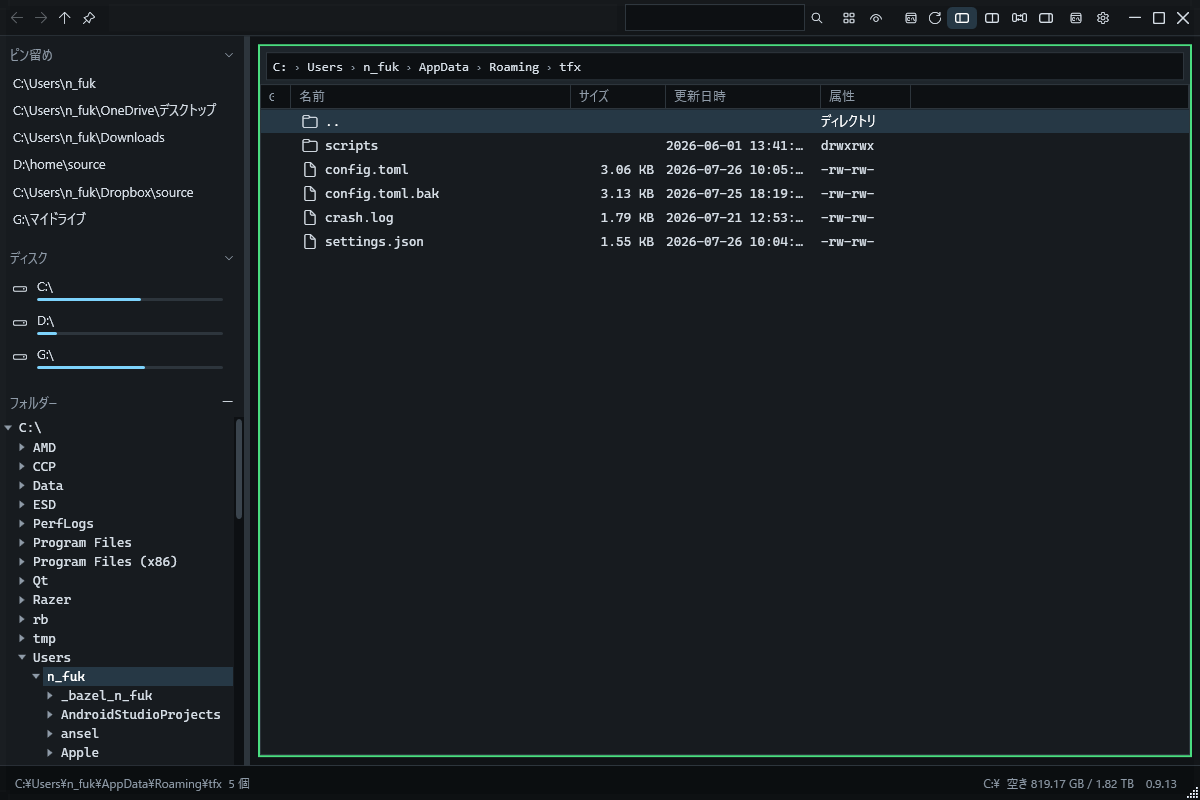
01Two panes + folder tree
Switch between a single view and a split layout, with independent navigation in each pane. Keep the source and destination visible at the same time instead of arranging multiple windows. Drag between panes, browse from the root, and pin frequently used folders to shorten repeated trips.
02Preview without opening
Inspect images, Markdown, HTML, CSV, TSV, and JSON beside the file list. Toggle rendered and source views, display structured data in readable form, summarize multiple selections, or browse a ZIP archive without extracting it. Fewer one-off app launches means fewer interruptions while deciding which file you need.
03The file operations you expect
Create files and folders, rename in place, copy, cut, paste, move to trash, compress, and extract. Recursive searches run in the background, file watching reflects outside changes, and sorting, column layouts, multi-selection, and persistent view state support everyday organization.
04Terminal and configuration nearby
Launch an external terminal with the current folder as its working directory, or open the integrated terminal beside the file list. A shared config.toml controls colors, fonts, shortcuts, startup layouts, file associations, and custom commands. Find a location visually, then continue there on the command line.